Change a price on your phone. Every TV changes.
Menu boards built from the POS catalog. Promos that know the time of day. Tonight's show pulled from the calendar. And a log of what each screen played, so you know the TV did what you told it to.
- 01Open Admin, go to Menu, flip an item to sold out. Watch the preview.
- 02Open Slides. Every promo has rules: days, hours, dates. Happy hour shows up at happy hour.
- 03On a TV, open marquee.thirstyai.live/screen. Claim the code in Screens. Done.
- 04Open the kiosk, order a burger. It lands in Orders with a number to call.
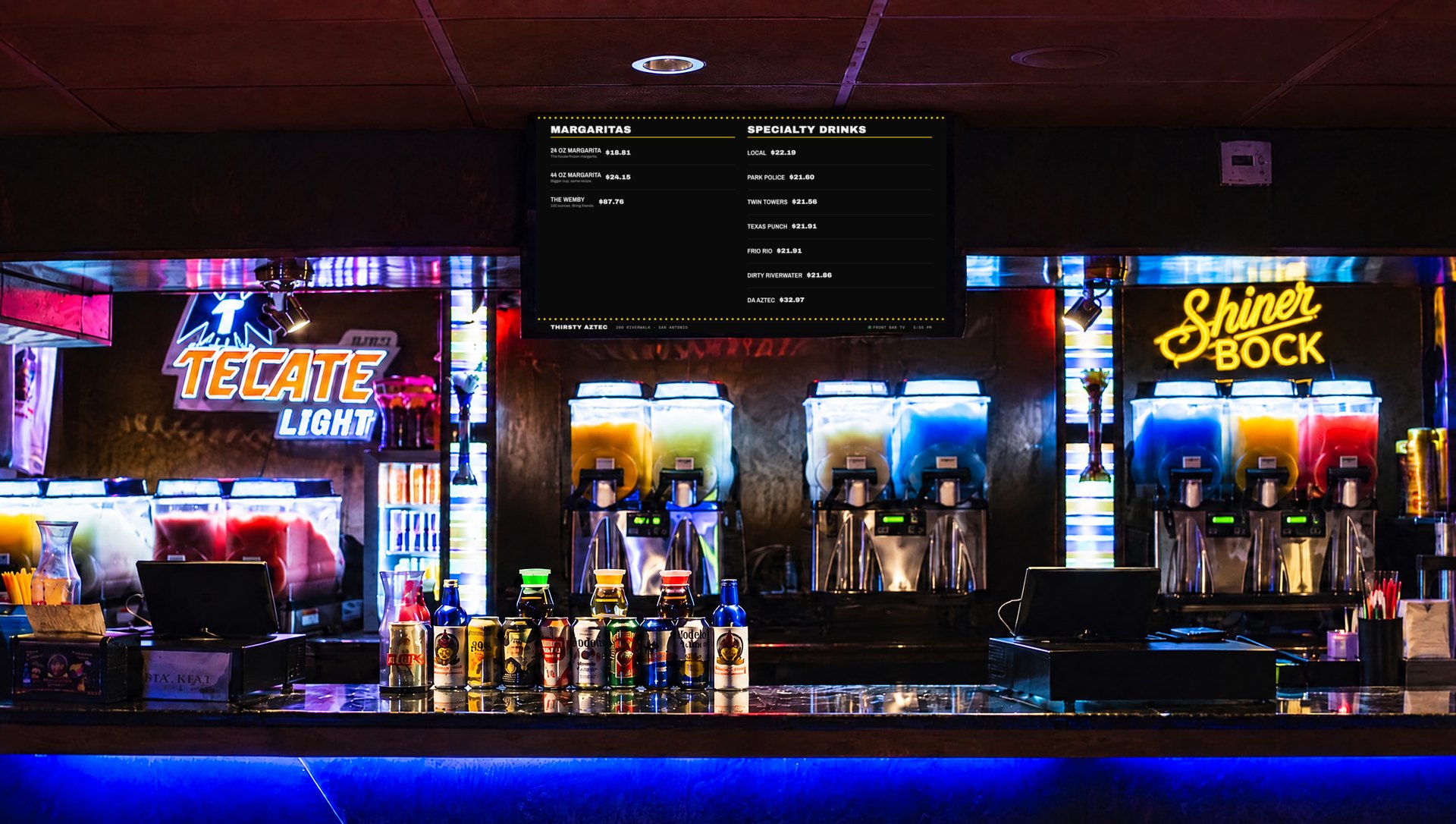
Live preview. The same program the TVs get, without pairing. Runs in any TV browser: a Fire TV Stick or a Raspberry Pi per screen.